
Twoodle
Draw on each other's home screen.
Download for Android
Download not starting? You're in an app's built-in browser.
Tap ⋮ (top right) → Open in Chrome (or your browser),
then tap Download again.
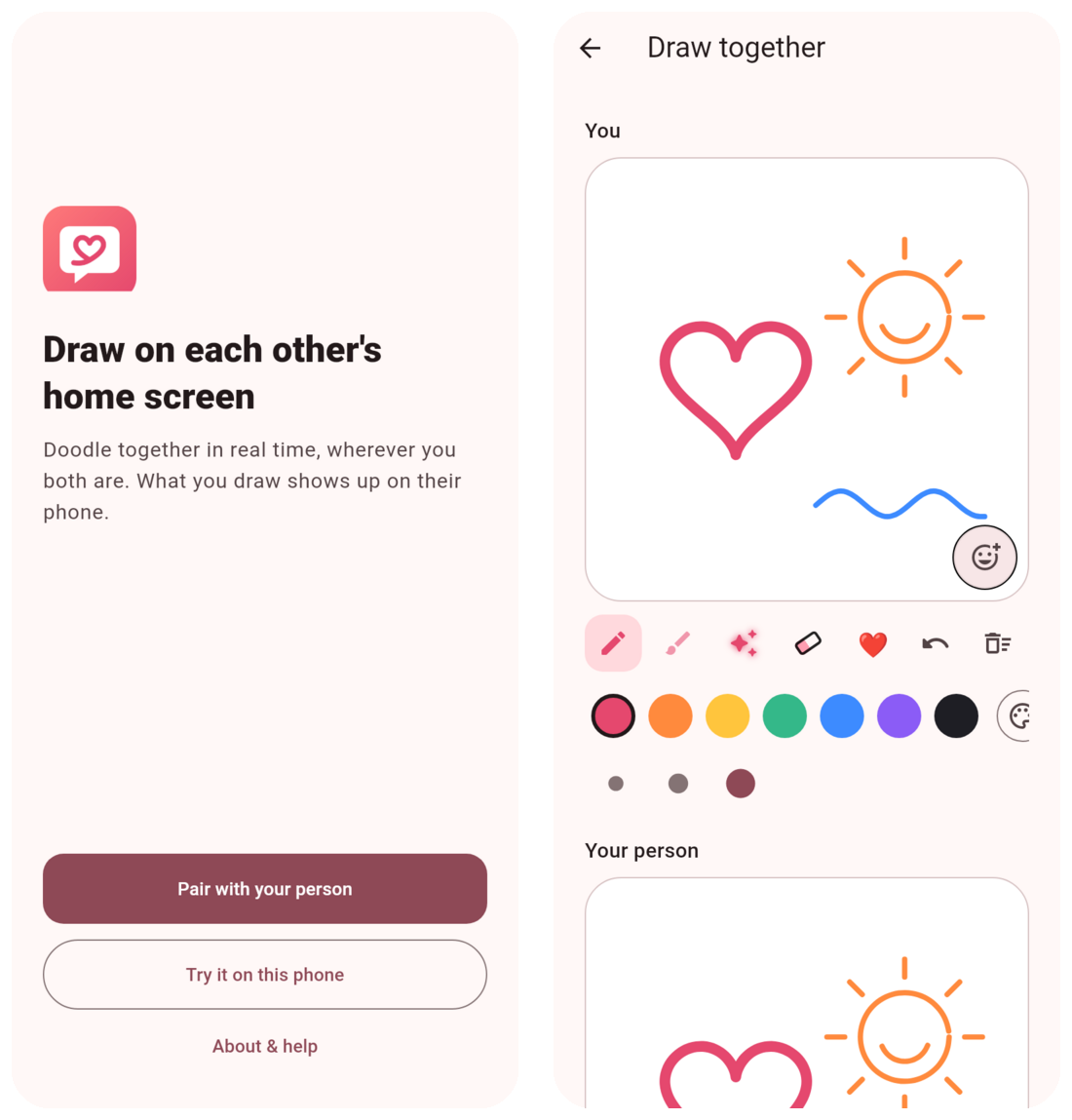
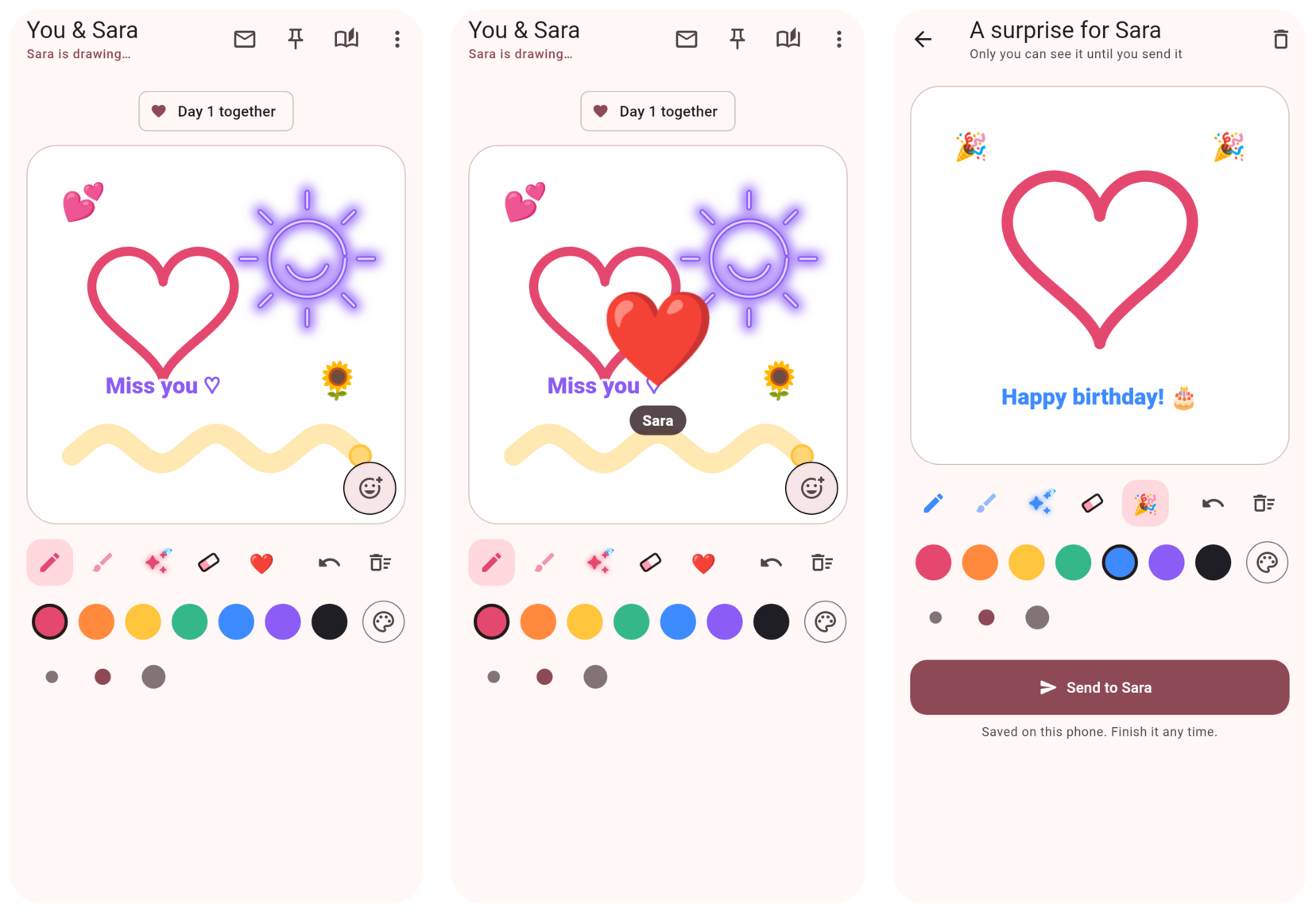
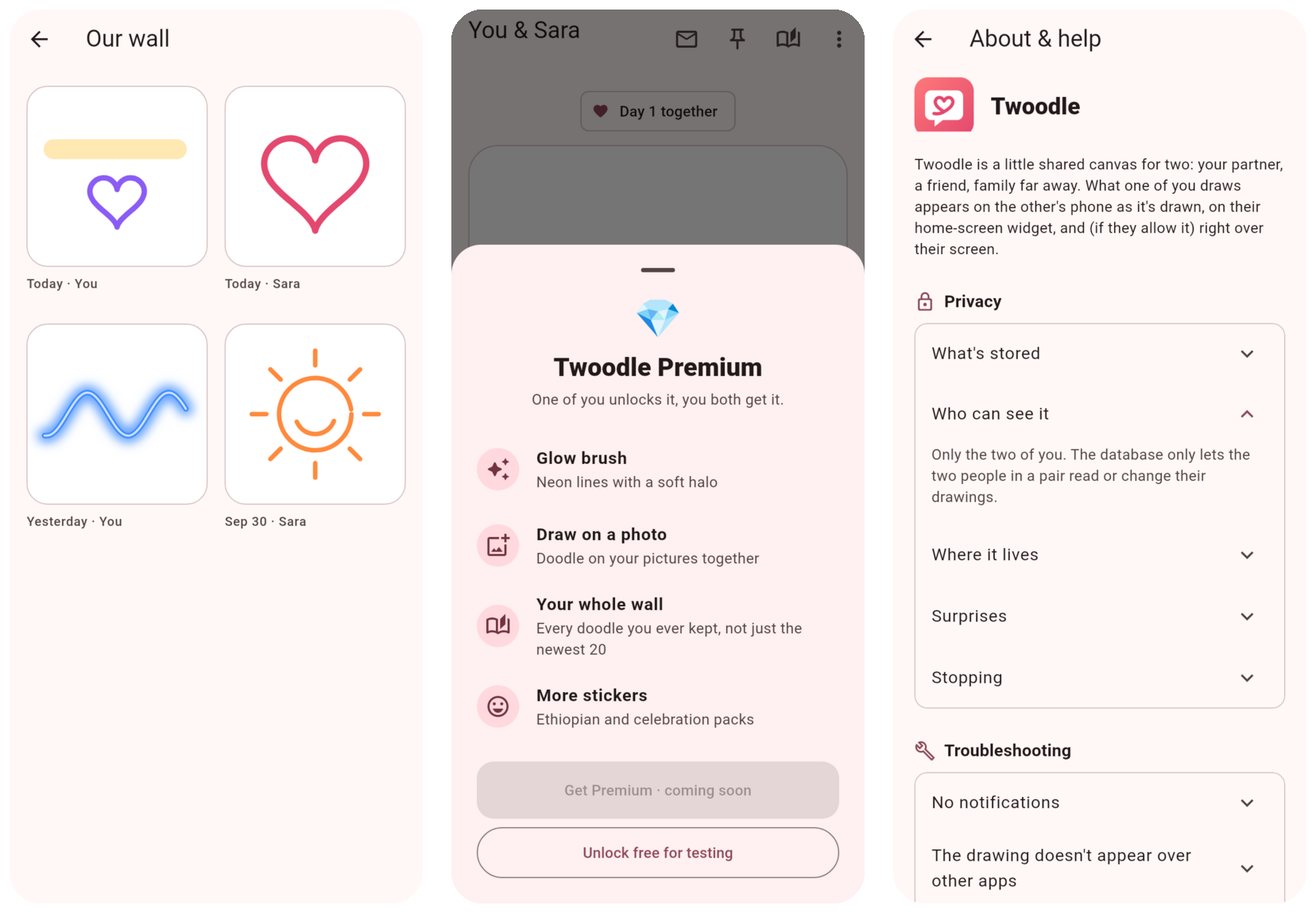
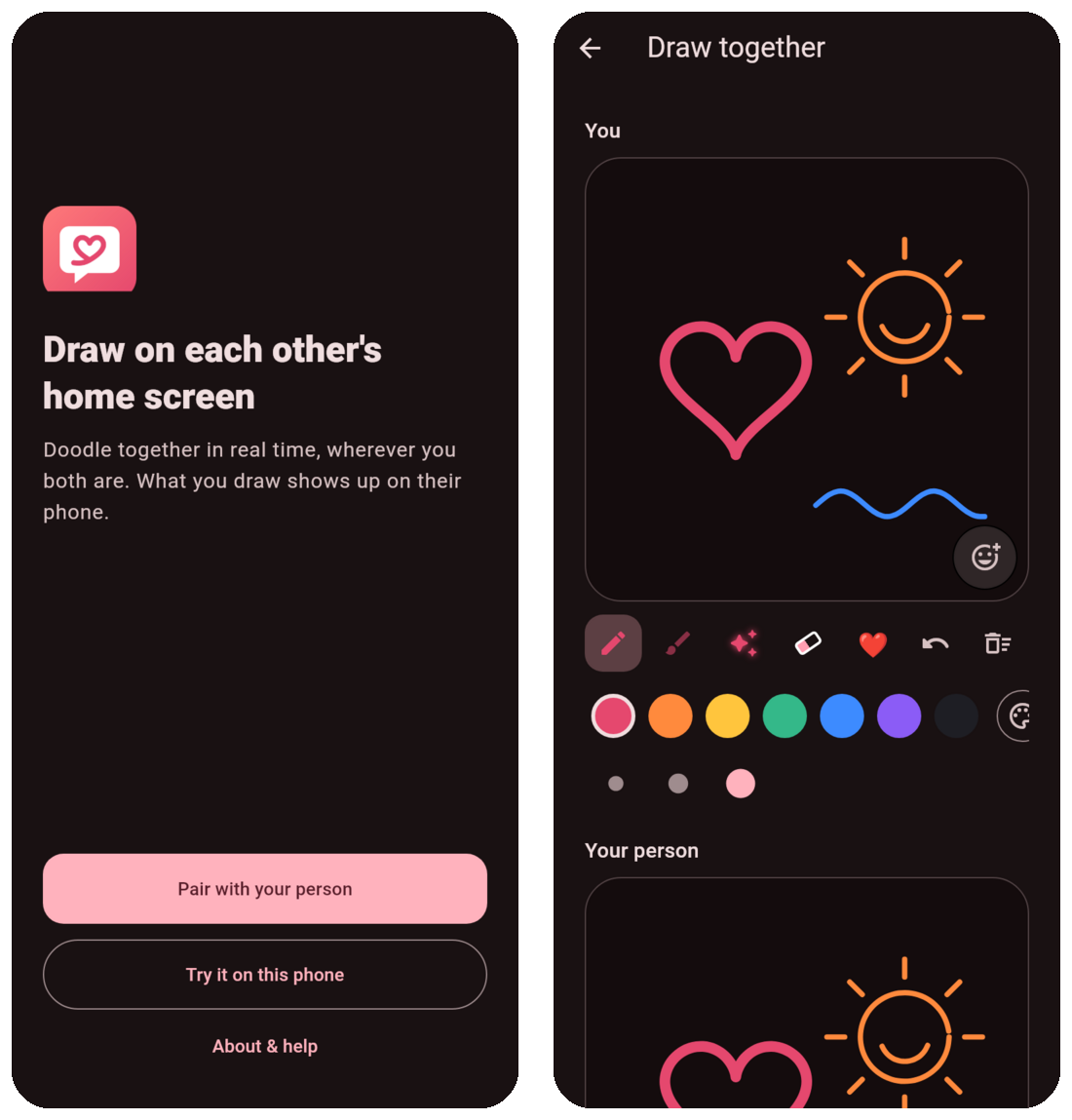
What it does
Live togetherSee each other's strokes as they're drawn.
On the home screenThe widget shows the latest doodle.
SurprisesDraw in secret, send when it's ready.
Text and reactionsWrite a note, answer with an emoji.
How to install
- Tap Download for Android above. If nothing happens, open this page in Chrome first (links opened from Telegram or other apps can't always download).
- Open the downloaded twoodle.apk.
- If Android asks, allow installing apps from your browser (or Files app), then go back and tap Install.
- Open Twoodle, pick a name, and pair with your person using their code.